
Obsidian community plugin
Syncer
Application name: Syncer
Your inboxes, one Markdown note.
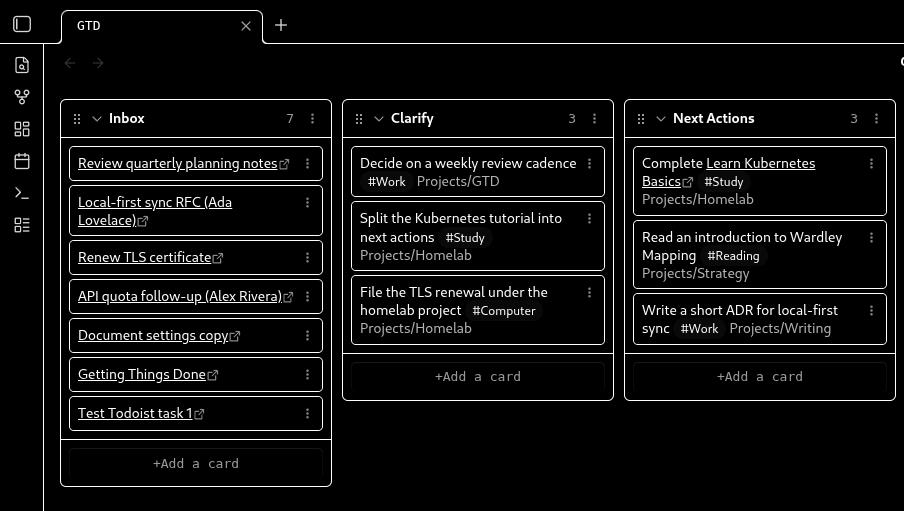
Syncer is an Obsidian plugin. The purpose of Syncer is to fetch references and links from Google Tasks, Gmail Starred, Microsoft To Do, Outlook flagged mail, Azure DevOps work items, Firefox Bookmarks, and Todoist, and write them into a Markdown note in your local vault under a heading you choose. Syncer runs on your computer inside Obsidian. It does not operate a Syncer backend, proxy, or hosted API.
Purpose of Syncer
The purpose of Syncer is to sync task, mail, and bookmark references from connected accounts into one Obsidian note so you can process them in your vault. Syncer uses Google APIs only for Google Tasks and Gmail Starred when you connect those integrations.
How Syncer uses Google user data
Syncer requests Google user data only when you choose Connect for a Google integration in the Obsidian plugin. The purpose of that request is to list items in your vault note and, if you enable write-back, to update those items. Syncer does not send Google user data to a Syncer server.
- Google Tasks. Syncer reads incomplete tasks from lists you select (identifiers, titles, status, and Google-provided links) so they can appear as Markdown lines. Optional write-back can complete or delete those tasks.
- Gmail Starred. Syncer lists messages with the STARRED label and reads Subject and From metadata only, so starred mail can appear as Markdown lines. Optional completion sync can add or remove STARRED. Syncer does not read message bodies, send mail, or compose mail.
Full details: https://obsidiansyncer.com/privacy.html
What Syncer syncs
Tokens stay in Obsidian data.json. Synced lines are
written into the note you choose. Disconnect clears local
credentials for that integration.
Optional write-back can complete, uncomplete, star, flag, or delete items in the connected provider. Off by default where it can change remote data.